
Want to join our beta test?
Want to nurture your child’s independence? VANI helps families turn routines into habits. Follow the steps below to install the app.
A note about the beta: This is a beta version of VANI. Things may change, bugs might appear, and some features are still being built. Thank you for being here with us!
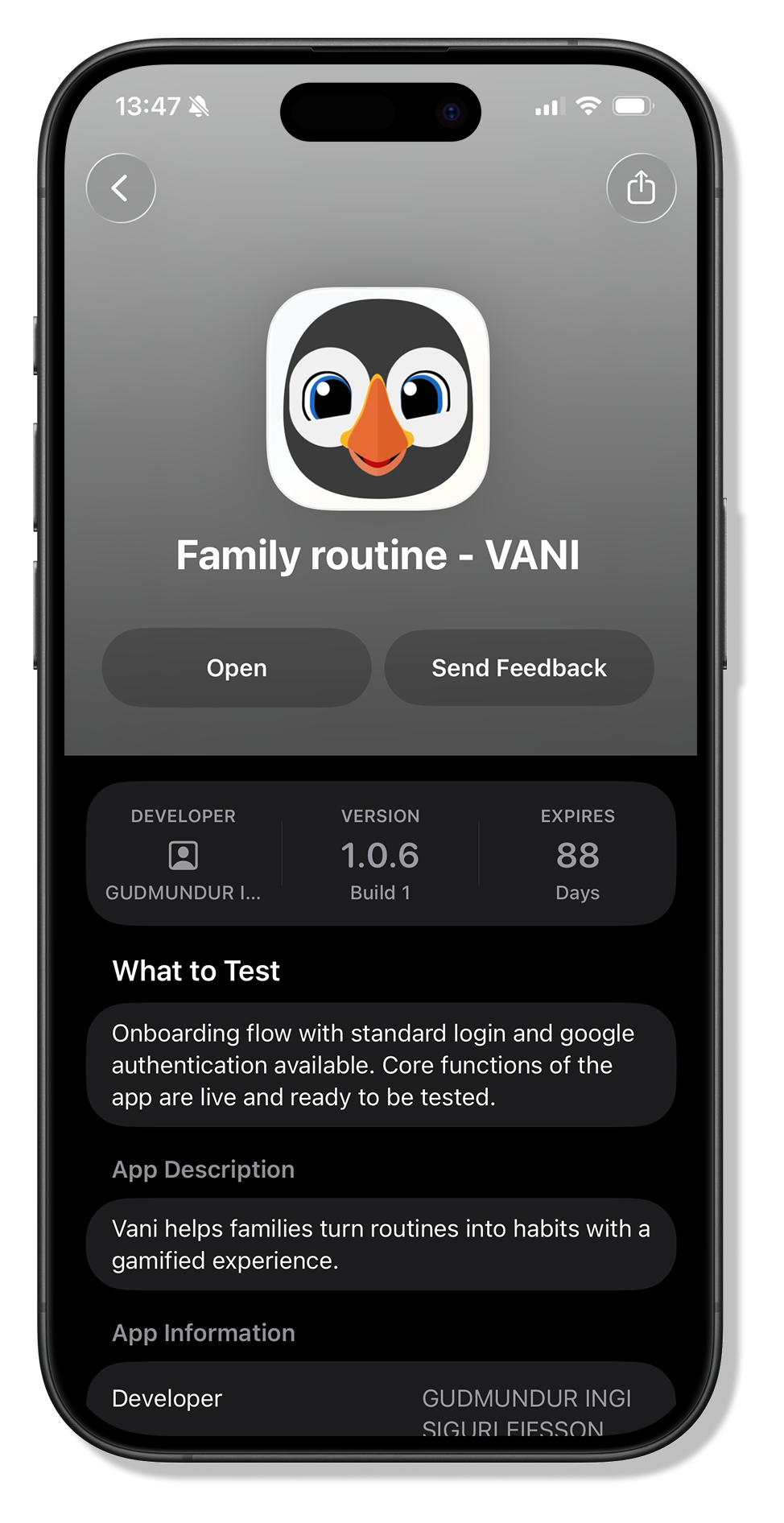
Get TestFlight
TestFlight is Apple’s free app for beta testing. You need it before you can install VANI. Download it from the App Store first.
Get TestFlight on the App StoreAccess the invite link
Tap the invite link. It opens TestFlight and lets you download VANI directly onto your iPhone or iPad.
Open invite linkSign in to VANI
Open VANI and go through onboarding. In the beta you can create an account with your email, or continue with Google.
- Sign up with email
- Continue with Google
Choose your profile type
Are you setting up VANI just for yourself, or for your whole family?
Individual Family You can always set the family up later in settings. Picking Individual now doesn’t lock you out of it.
Set up your family
Name your home, add the family members who don’t have their own device, then share the invite link with anyone who does. You can add more people here during onboarding, or any time later with the plus button in the app.
We recommend taking part yourself. Kids take more ownership of the app when a parent leads the way in.
Build your first routine
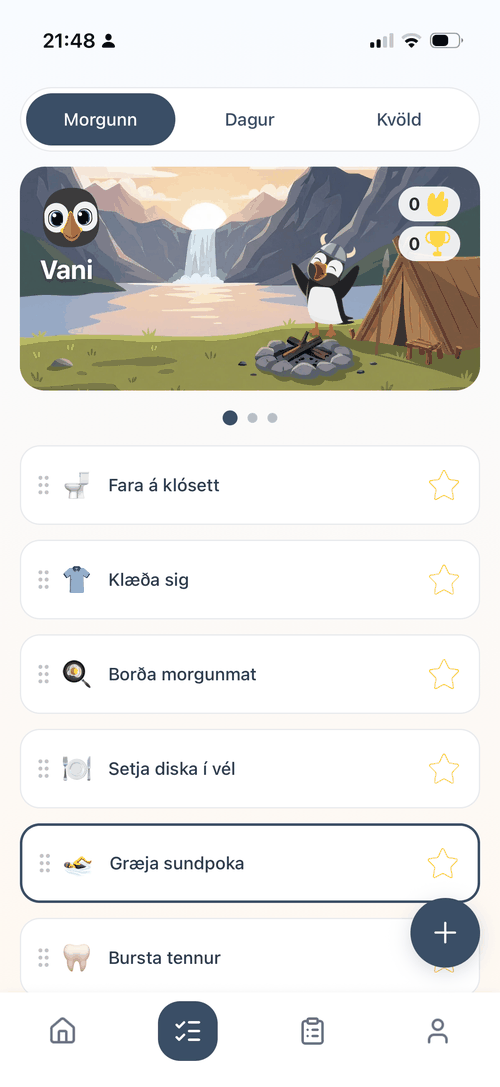
Each family member gets a template routine based on their age to help you get started. Complete your setup by adding, editing and rearranging as needed.
What you can do on this screen
- Tap to complete task
- Long press to edit
- Drag to rearrange
- Special tasks are highlighted
- Tap to add routine
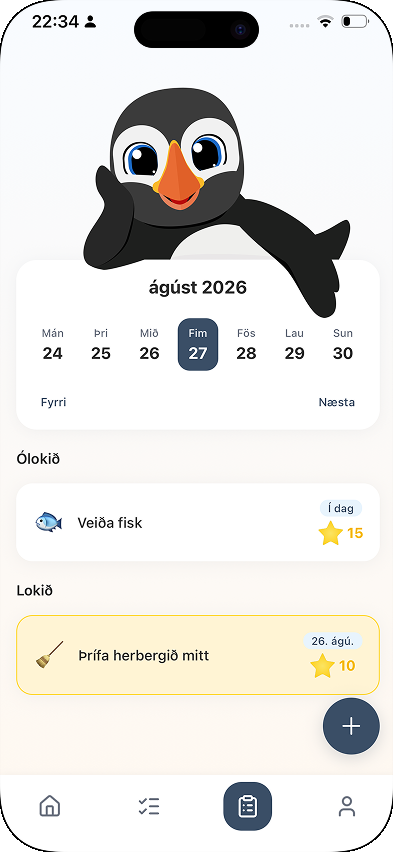
Try assignments
Assignments are one-off tasks with a due date, separate from the daily routine. They are there to hand over more responsibility and build independence. Completing them earns points that get everyone to the next age sooner, which unlocks more artwork for the whole family.
Send us your thoughts
Your feedback directly shapes VANI. Tell us what’s working, what’s confusing, and what you’d love to see. Screenshots of the part you mean help us a lot.



That’s the setup done.
From here it’s your family’s own journey: routines, points, streaks and the characters you unlock along the way. We read every piece of feedback that comes in.
Don’t have VANI installed yet? Set up the app first